A specific use
Describe the goal and limits before choosing an external model or API.
Software / artificial intelligence
AI integrations add specific text or image capabilities to an application. The interface, processing flow and review of the output are designed around a concrete use case.
Inside the project
Structure, details and interactions come together in one coherent experience.
A closer look
What information goes in, and what would a useful result look like? Those questions shape the interface and the connection to an external provider. Waiting times, usage costs and imperfect responses are part of the design. AI output can be wrong or unsuitable, so the amount of human review needs to match the task.
Describe the goal and limits before choosing an external model or API.
Help someone provide input, understand the wait and review the output.
Consider validation, failures and human checks in the overall flow.
A place to start
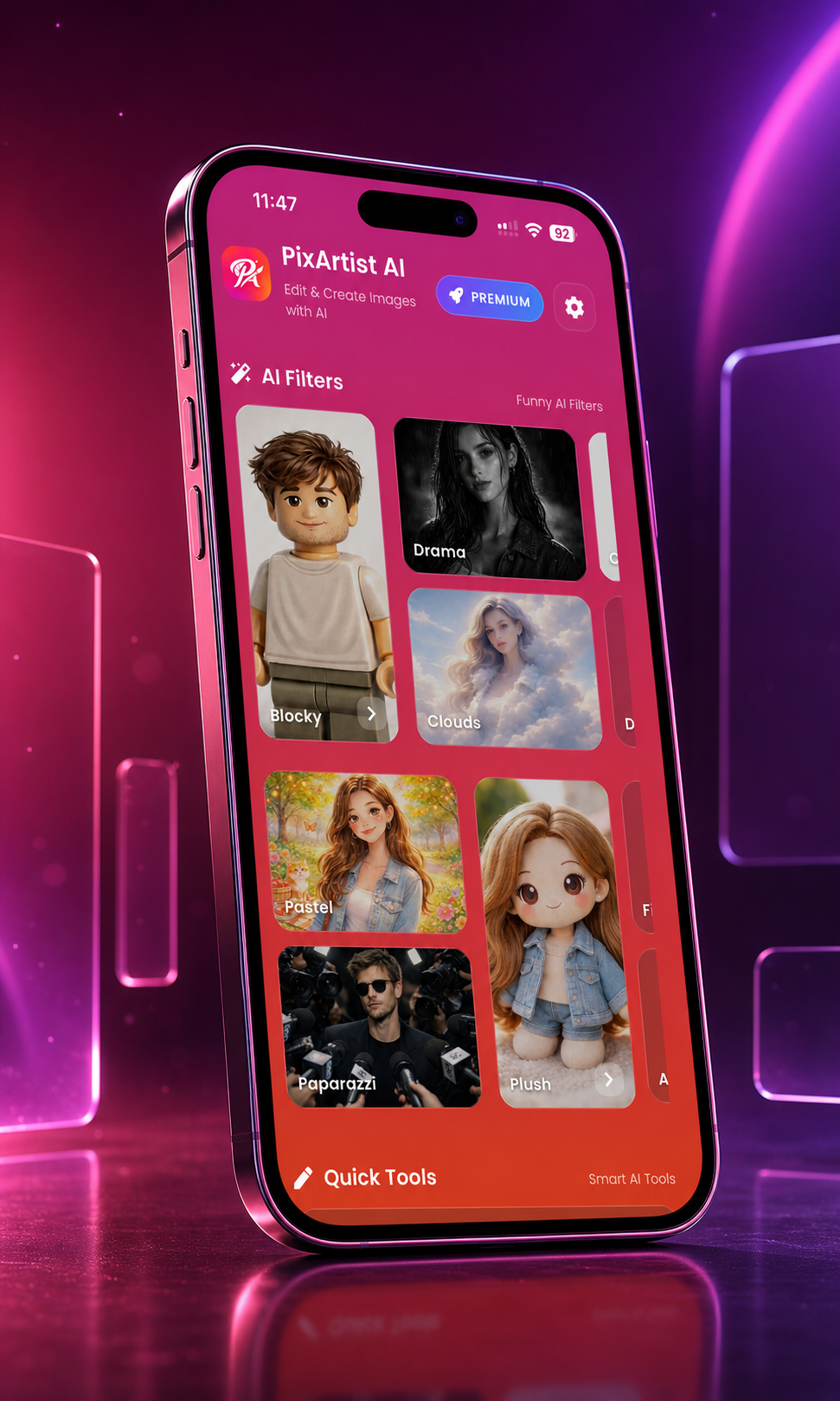
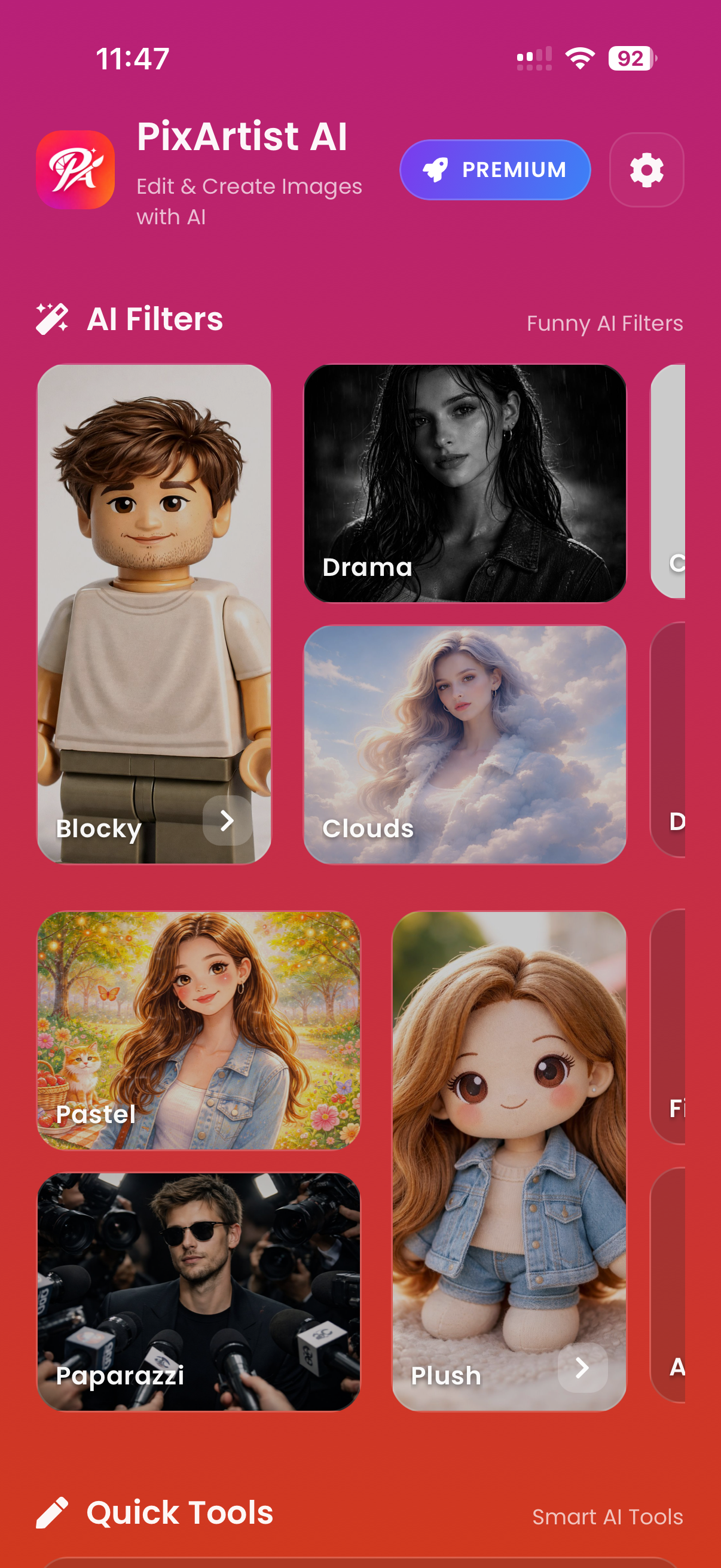
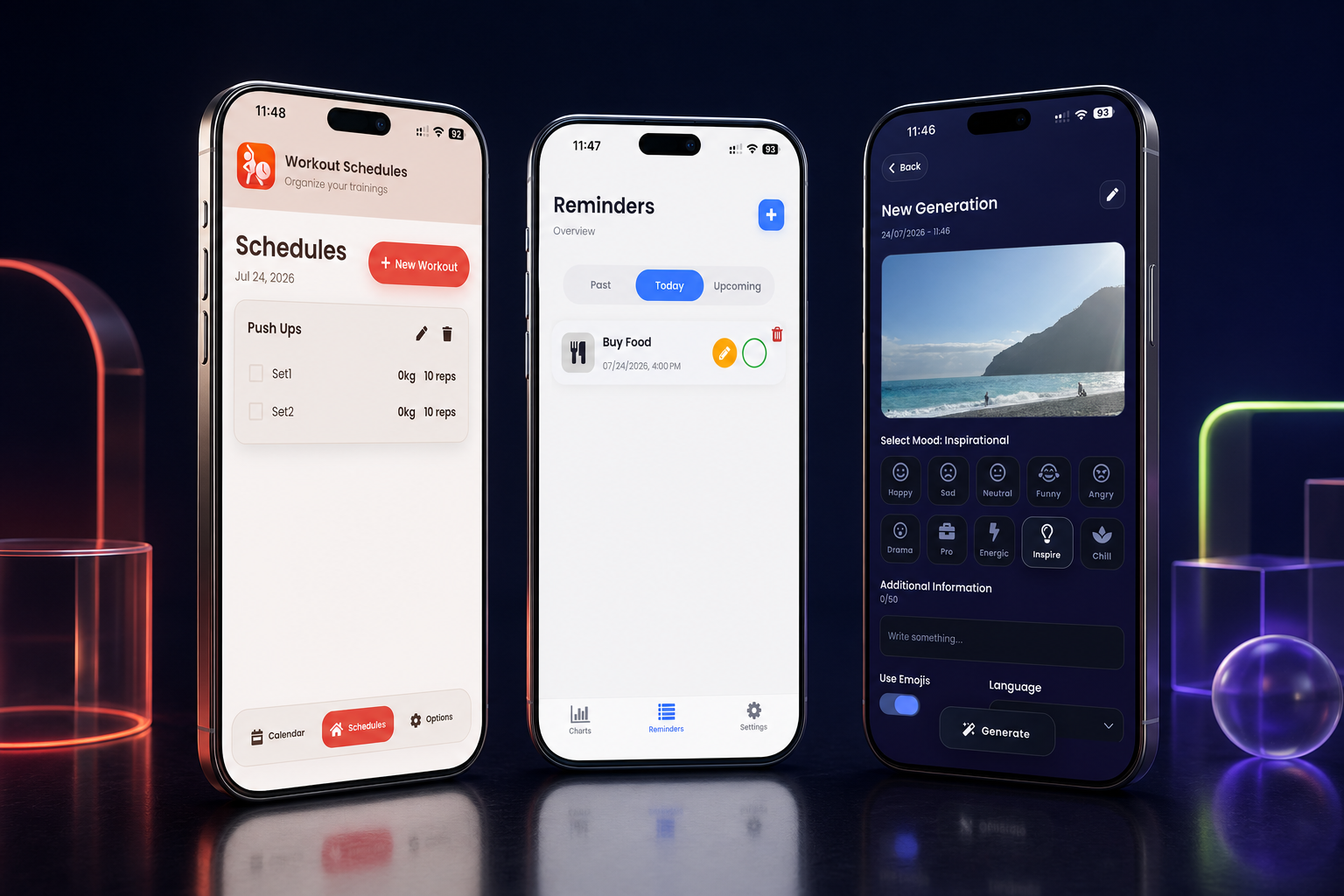
PixArtist AI explores creative image tools, while Caption & Hashtag helps draft social text. These published apps show two different ways of bringing AI into a mobile experience.
Projects ↗Frequently asked questions
No. Outputs can vary and contain errors. The interface and process need to make room for the checks appropriate to the task.
Yes. Many external providers charge by usage. The expected volume and type of processing need to be assessed separately from building the integration.
That depends on the idea, the content and any tools involved. We can discuss it once we understand what the project would look like.